Samurai Fighter: A 2D Arcade Fighting Game
A cutting-edge frontend application built with React 19, TypeScript, and Tailwind CSS, powered by Vite for optimal performance.
Building Samurai Fighter: A 2D Battle Game with React and Canvas
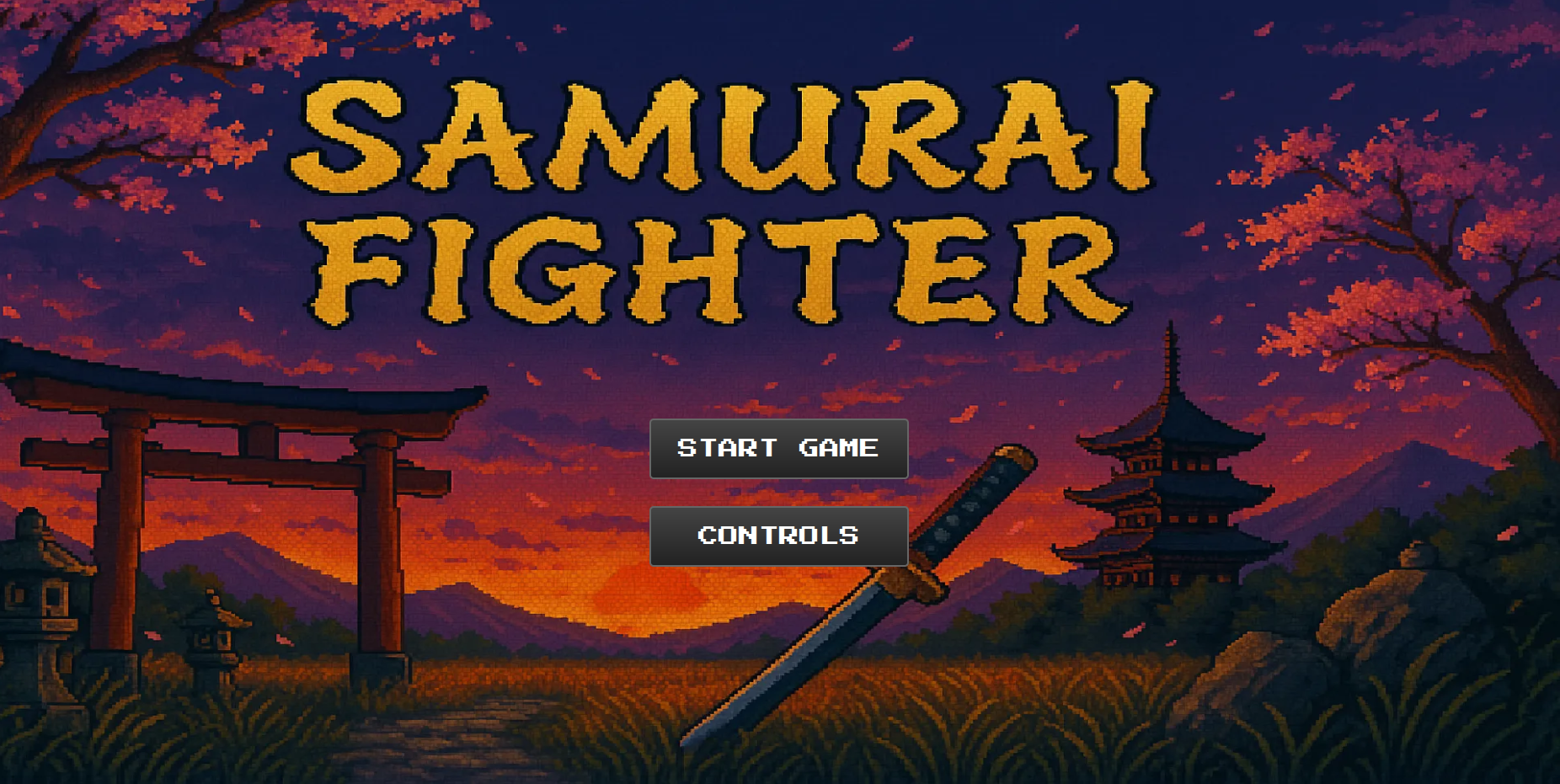
Title screen for Samurai Fighter
In this post, I'll walk through the implementation of Samurai Fighter, a 2D battle game built with React and the HTML Canvas API. The game features two samurai warriors with animated sprites, authentic combat mechanics, and dynamic sound effects.
Key Components
1. Canvas Component
The Canvas.tsx component serves as the game container, managing:
- Game loop using
requestAnimationFrame - Player controls with keyboard input
- Game state (timer, health, victory conditions)
- Sprite rendering
// Simplified Canvas setup
const Canvas: React.FC<Props> = ({ width, height }) => {
  const canvasRef = useRef<HTMLCanvasElement>(null);
  const requestRef = useRef<number>(0);

  // Game loop
  const animate = (time: number) => {
    const context = canvasRef.current?.getContext("2d");
    if (!context) return;

    // Clear and redraw
    context.fillStyle = "black";
    context.fillRect(0, 0, width, height);

    // Update game objects
    player.update(context);
    enemy.update(context);

    requestRef.current = requestAnimationFrame(animate);
  };

  useEffect(() => {
    requestRef.current = requestAnimationFrame(animate);
    return () => cancelAnimationFrame(requestRef.current);
  }, []);

  return <canvas ref={canvasRef} width={width} height={height} />;
};
2. Fighter Class
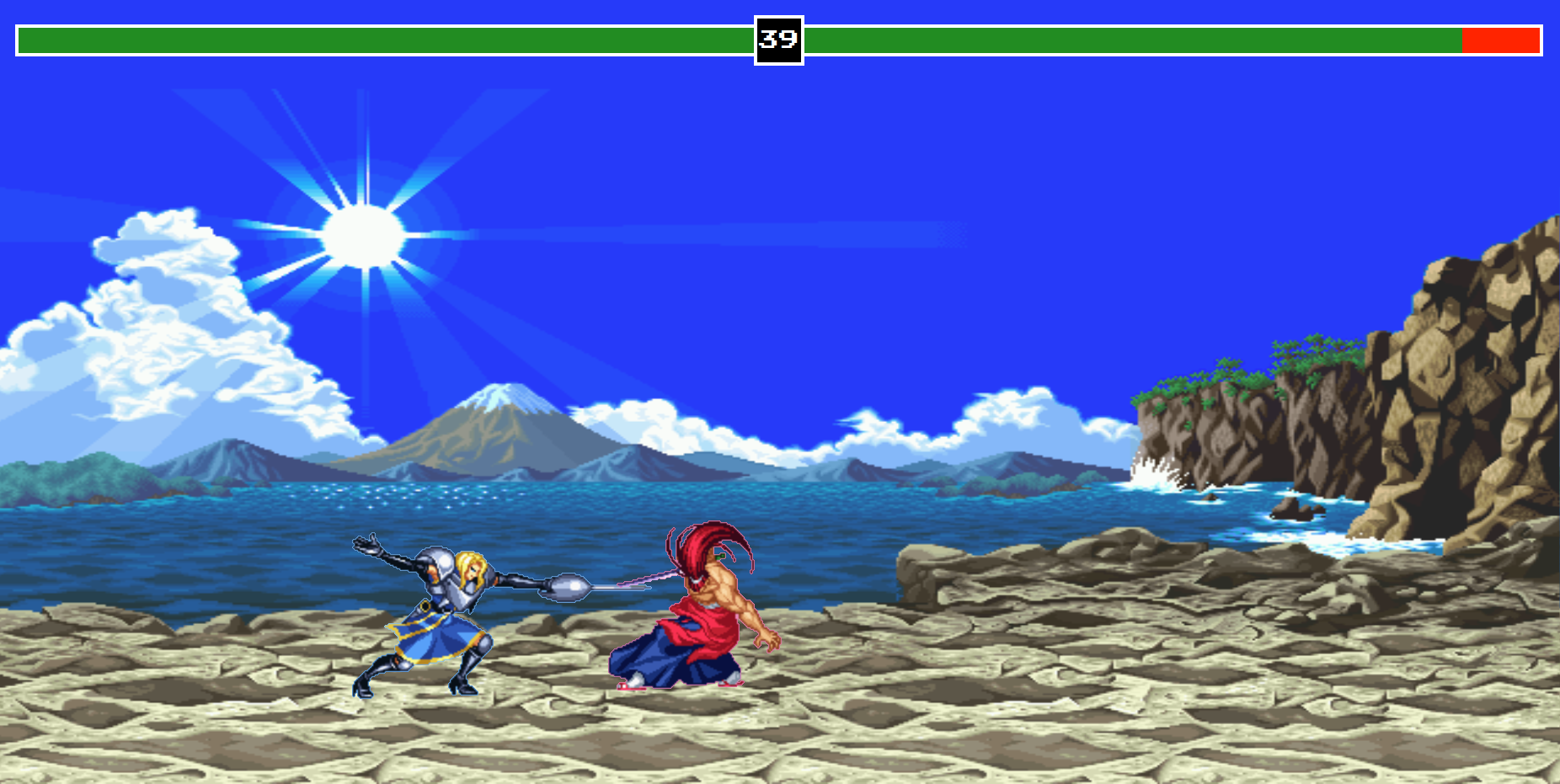
Two warriors locked in combat with attack effects
The Fighter class extends a base Sprite class and adds game-specific functionality:
class Fighter extends Sprite {
  health: number = 100;
  isAttacking: boolean = false;
  attackBox: AttackBoxType;

  attack() {
    if (this.dead || !this.canAttack) return;
    this.switchSprite("attack");
    this.isAttacking = true;
    this.playSound("attack");
  }

  takeHit() {
    this.health -= 10;
    if (this.health <= 0) {
      this.switchSprite("death");
    } else {
      this.switchSprite("takehit");
    }
  }
}
3. Sprite Animation System
The base Sprite class handles animation frames and rendering:
class Sprite {
  framesCurrent: number = 0;
  framesElapsed: number = 0;

  animateFrames() {
    this.framesElapsed++;
    if (this.framesElapsed % this.framesHold === 0) {
      this.framesCurrent = (this.framesCurrent + 1) % this.framesMax;
    }
  }

  draw(ctx: CanvasRenderingContext2D) {
    ctx.drawImage(
      this.image,
      this.framesCurrent * (this.image.width / this.framesMax),
      0,
      this.image.width / this.framesMax,
      this.image.height,
      this.position.x,
      this.position.y,
      (this.image.width / this.framesMax) * this.scale,
      this.image.height * this.scale
    );
  }
}
Creating Sprite Sheets with GIMP
To develop authentic samurai animations:
-
Prepare Individual Frames
- Draw or import each animation frame as separate layers
- Ensure consistent character size and positioning
-
Create Sprite Sheet
- Use
Filters > Combine > Filmstripto auto-generate sheets - Set frame width/height to match your character dimensions
- Export as PNG with transparent background
- Use
-
Optimization Tips
- Use indexed color mode (256 colors) to reduce file size
- Crop unnecessary transparent areas
- Maintain consistent frame counts for smooth animations
Pro Tip: Create a grid overlay (Image > Configure Grid) to help align frames perfectly.
Game Features
-
Sprite Animation
- Multiple states (idle, run, jump, attack, etc.)
- Frame-based animation system
- Smooth transitions between states
-
Combat System
- Hit detection using rectangular collision
- Attack cooldowns
- Health management
-
Audio Feedback
- Attack sounds
- Hit reactions
- Victory/death sounds
-
Game States
- Timer countdown
- Victory/defeat conditions
- Character death animations
Challenges and Solutions
-
Performance Optimization Using
requestAnimationFrameensures smooth animations while being efficient. -
Input Handling The game tracks key states to allow for fluid combinations of movements.
-
Sprite Management The
switchSpritemethod handles animation transitions while preventing mid-animation interruptions.
Future Improvements
- Add special moves and combos
- Implement multiplayer over network
- Add more characters and stages
- Improve AI for single-player mode
This implementation demonstrates how React can effectively manage game state while leveraging Canvas for high-performance rendering. The object-oriented design makes it easy to add new features and characters.